

TAZA Prayer · Android · Testing build
How to Install TAZA Prayer on Android
Cara Pasang TAZA Prayer di Android
⚠ Binaan ujian — fungsi pembayaran secara langsung mungkin memproses wang sebenar. Jangan uji fungsi pembayaran melainkan diarahkan secara khusus.
⚠ Testing build — live payment features may process real money. Do not test payment functions unless specifically authorised.
Version 1.0.0-rc3 (67) · Owner / UAT testing build · Not production-signed · Not the final 1.0.0 release
Bahasa Melayu
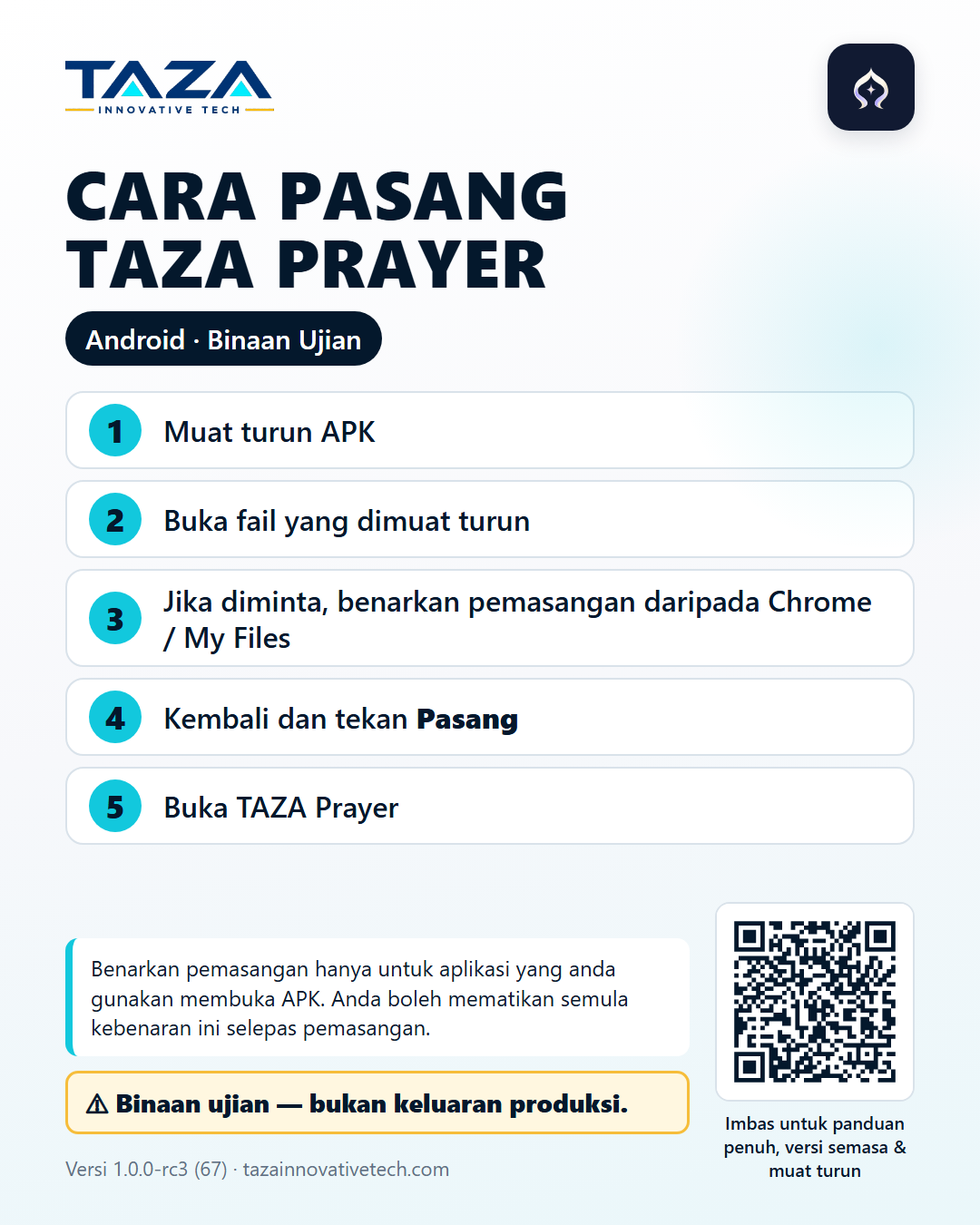
Cara Pasang TAZA Prayer di Android
- Ketik “Muat Turun APK Ujian”.
- Tunggu fail APK selesai dimuat turun.
- Buka fail APK daripada notifikasi muat turun atau folder Downloads.
- Jika Android memaparkan amaran pemasangan daripada sumber ini, pilih Settings / Tetapan, kemudian benarkan “Allow from this source” HANYA untuk aplikasi yang digunakan membuka APK, contohnya Chrome atau My Files.
- Kembali ke pemasangan.
- Ketik Install / Pasang.
- Setelah siap, ketik Open / Buka.
- Jika mahu, selepas pemasangan kembali ke tetapan Android dan matikan semula “Allow from this source”.
Jika anda sudah menggunakan binaan ujian TAZA Prayer yang serasi, pasang APK baharu terus di atas versi sedia ada supaya data ujian kekal. Penguji Muazzin baharu: pemasangan pertama seperti biasa.
Jika Google Play Protect memaparkan amaran, ini kerana APK ini ialah binaan pra-produksi yang diedarkan terus oleh TAZA Innovative Tech untuk ujian yang dibenarkan, bukan melalui Google Play. Baca amaran tersebut dengan teliti; jangan matikan Play Protect atau tetapan keselamatan Android yang lain.
English
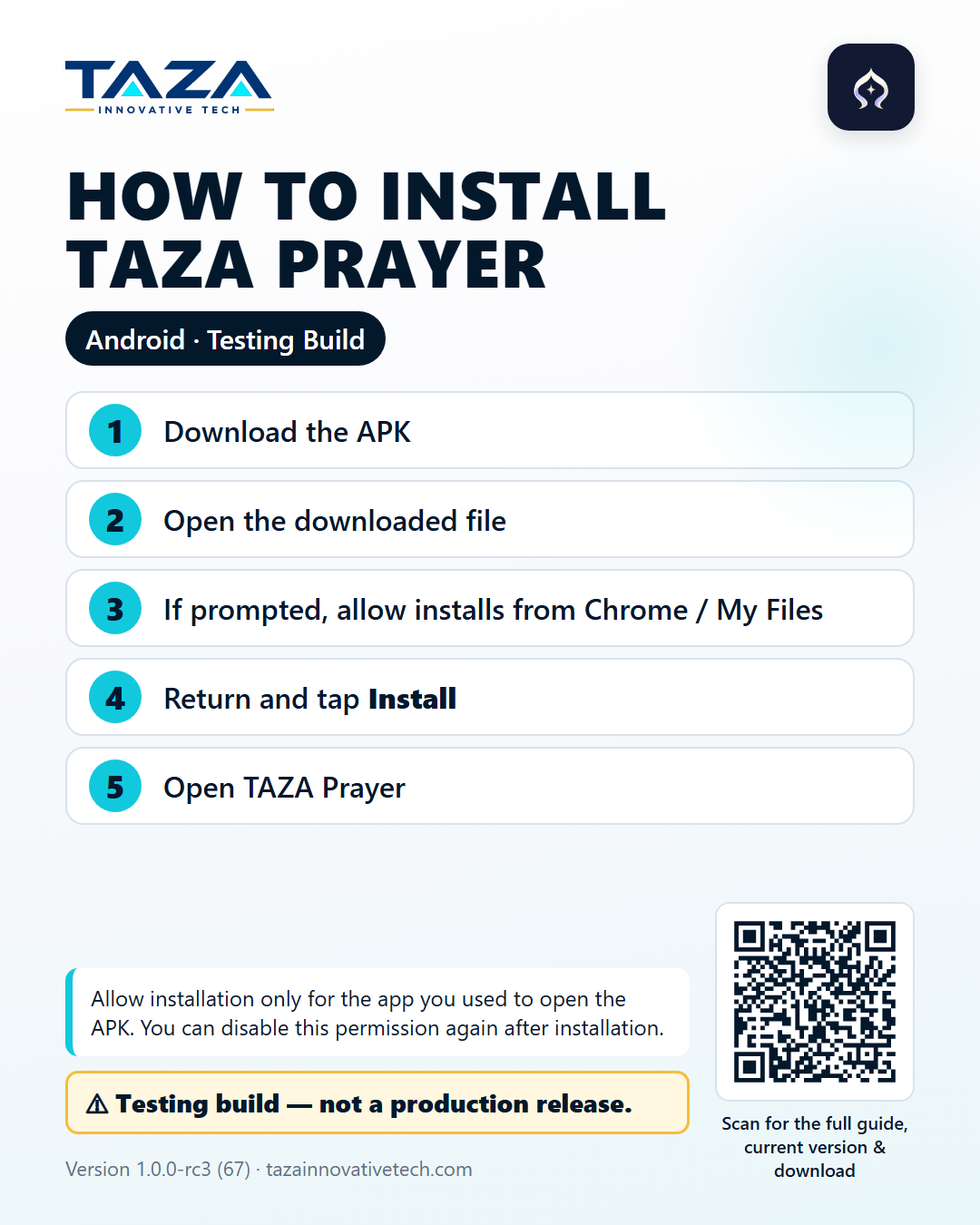
How to Install TAZA Prayer on Android
- Tap “Download Test APK”.
- Wait for the APK file to finish downloading.
- Open the APK file from the download notification or the Downloads folder.
- If Android shows an install warning for this source, choose Settings, then turn on “Allow from this source” ONLY for the app you used to open the APK, for example Chrome or My Files.
- Go back to the installation.
- Tap Install.
- When it finishes, tap Open.
- If you wish, go back to Android settings after installation and turn “Allow from this source” off again.
If you already use a compatible TAZA Prayer testing build, install the new APK directly over the existing version so your testing data is kept. New Muazzin testers: a normal first installation applies.
If Google Play Protect shows a warning, this is because the APK is a pre-production build distributed directly by TAZA Innovative Tech for authorised testing, not through Google Play. Read the warning carefully; do not turn off Play Protect or other Android security settings.
Poster
Installation poster
Verification
Check the file you downloaded
Technical details
The SHA-256 checksum lets technical testers confirm the downloaded file is exactly the build published here (for example certutil -hashfile file.apk SHA256 on Windows, or sha256sum file.apk on Linux/macOS). Signing certificate SHA-256 (testing key): 20c13173298da089a4ac6104c06e27d63d20d19cc5d6c199673478683df28cbd. Source commit: 132d6702cfaa2c61bad4bc1cc38b3e70f0fd4847.